

Order Online

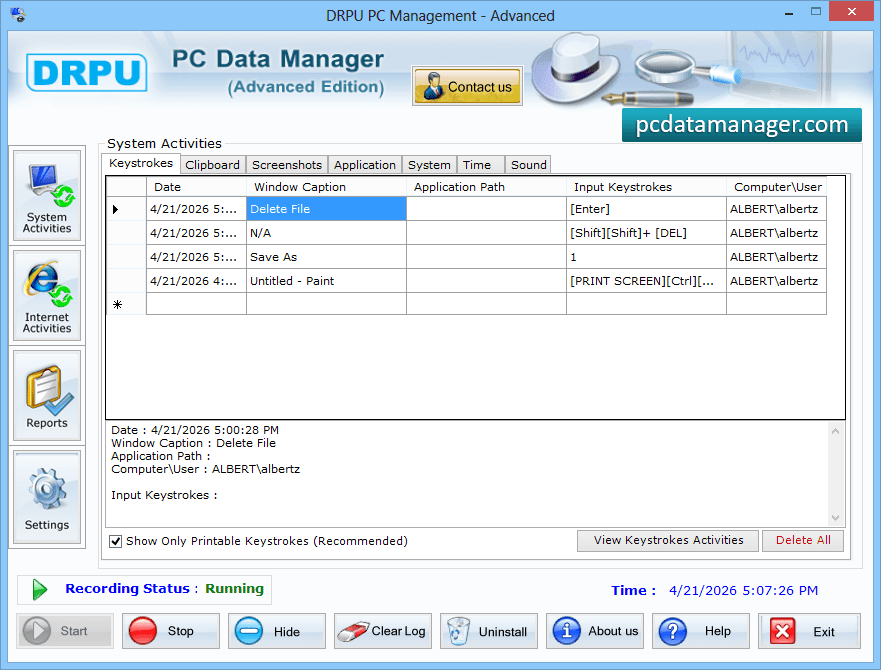
STEP 1 : System Activities
Advanced KeyLogger Software
Go to System Activities option to view keystrokes activity, Clipboard, screenshots etc. on your PC.

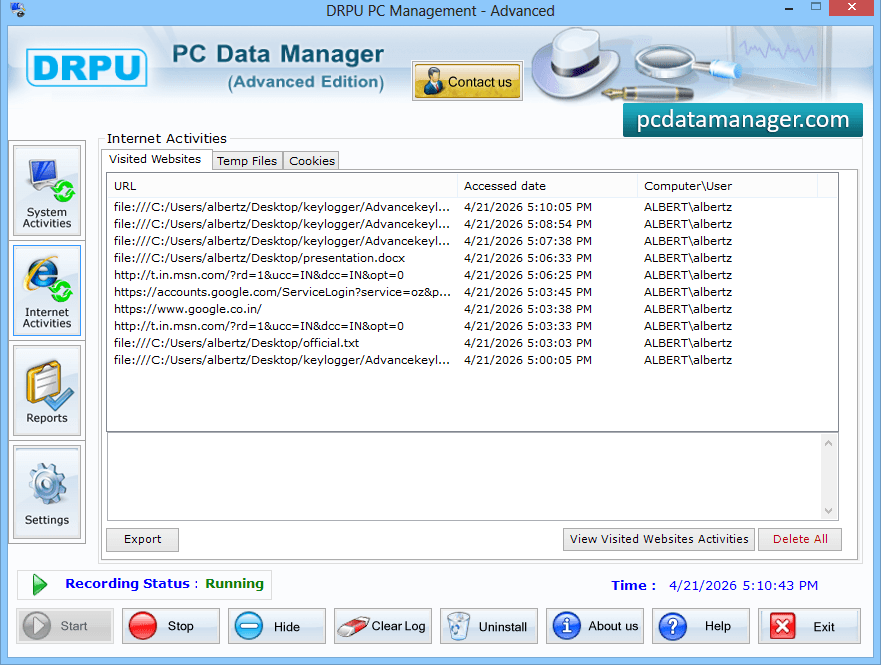
STEP 2 : Internet activities

Advanced KeyLogger Software
Now, click on Internet activities button see visited websites activities.

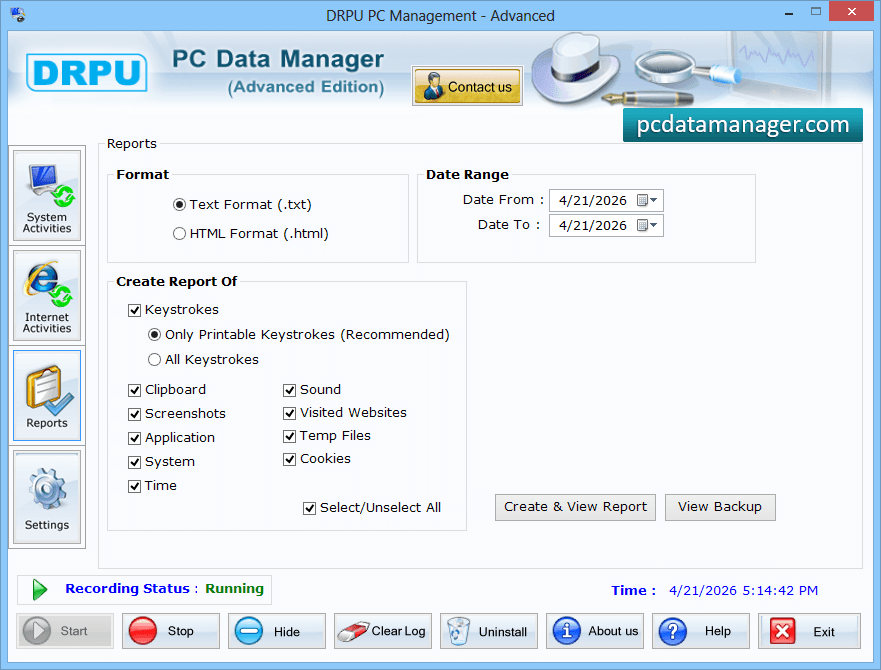
STEP 3 : Reports

Advanced KeyLogger Software
Go to reports option to generate keystrokes report in Text or HTML file format of Clipboard, Screenshots, and Visited Websites etc.

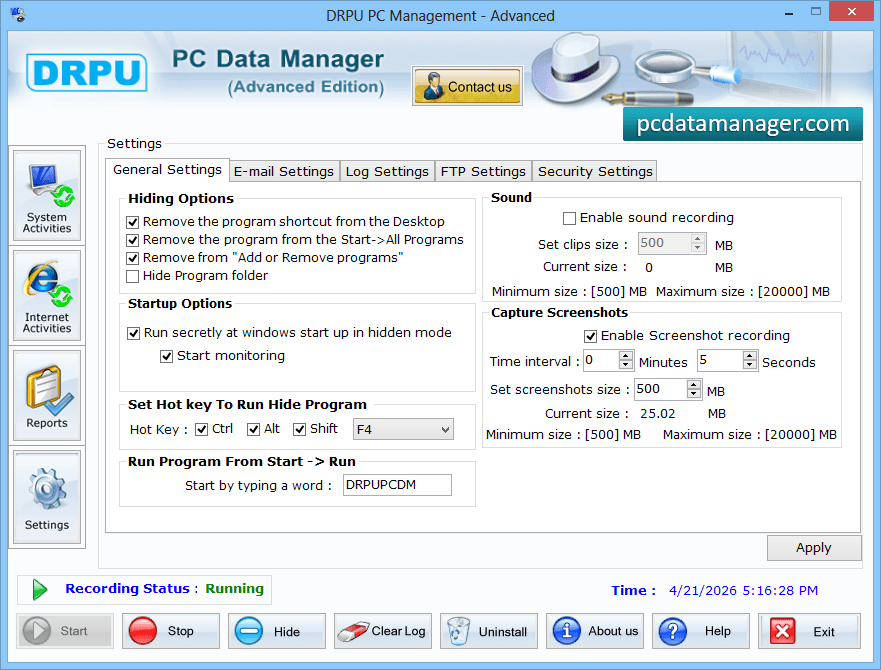
STEP 4 : Settings

Advanced KeyLogger Software

Finally, go to settings option to select options of General setting, E-mail settings, Log settings, FTP settings and Security settings to apply.